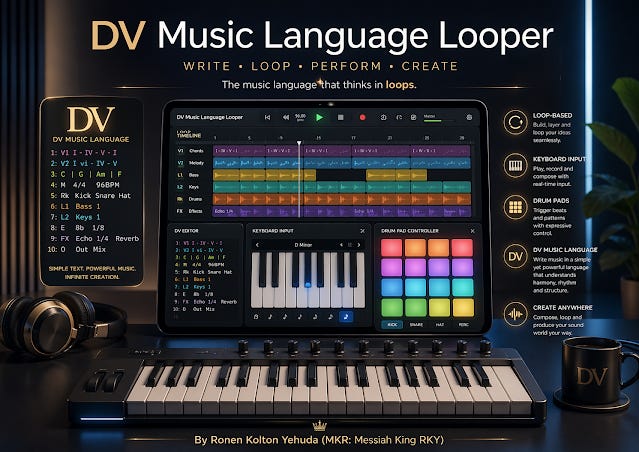
No default channels. Add Music, MIDI, Drums, DV Text, or Audio yourself. Select a channel card to edit it; each channel has its own instrument and controls.
Transport is duplicated in the workspace too.
Universal DV Music Instrument Pads
Professional audition, recording, and DV text insertion. Every surface uses DV pitch colors and scrolls horizontally at full range.
Add a MIDI channel, then connect your keyboard. Notes use the channel VST and current quantize setting.
Built token: —
0%
DV Music Language Text
The selected DV Text channel is edited here. Composer-style RH and LH lines are recognized as parallel hands and play together.
Audio Channel Recorder
Arm an audio channel, record microphone audio, and embed the clip into the loop start.
Mic recorder idle.